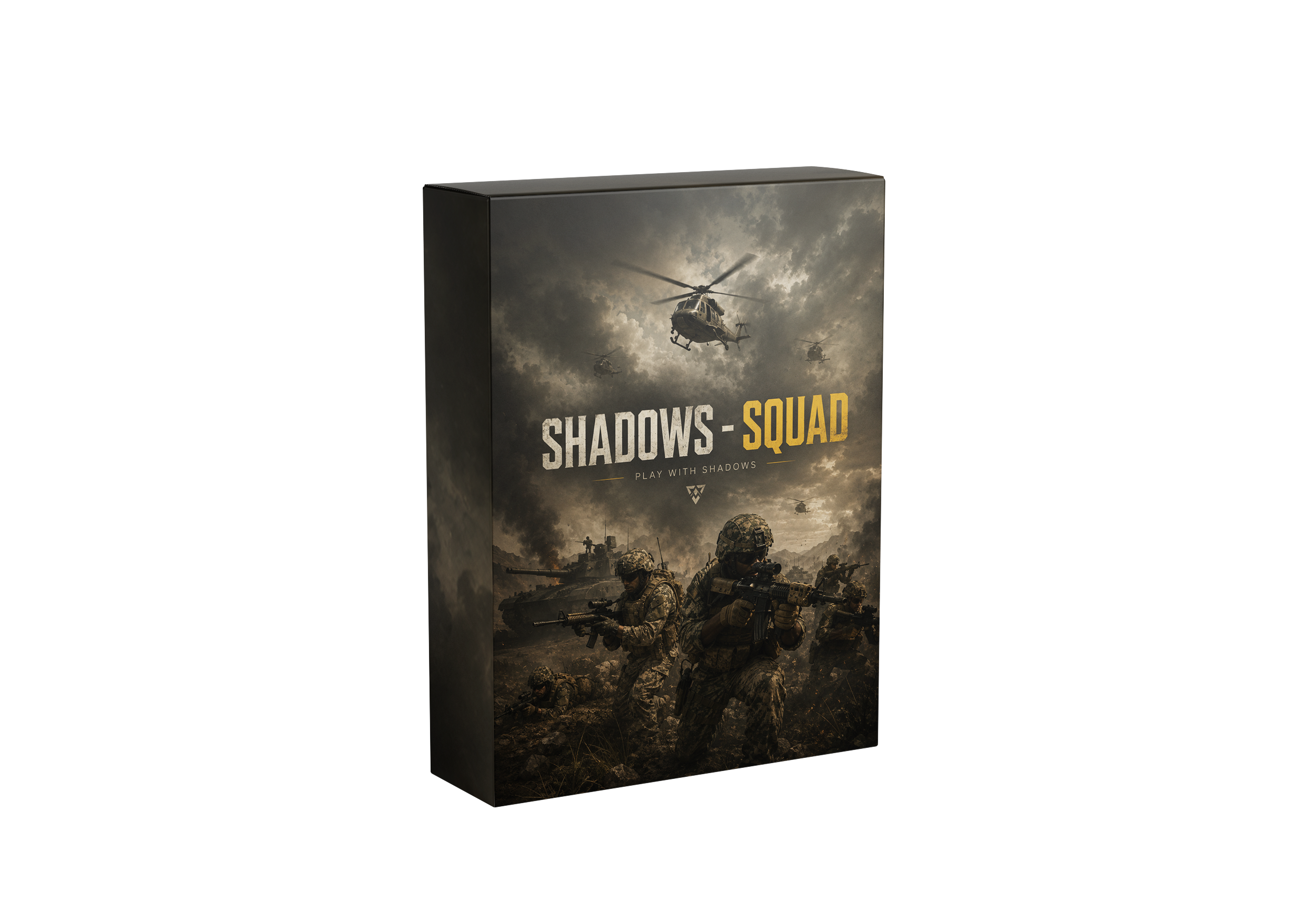
SHADOWS - SQUAD

Control 50v50 combined-arms warfare in Squad with enemy FOB Radio, HAB & mine ESP, sway-stabilized ballistic aimbot, armored vehicle ammo-rack visuals, and 2D command radar.

  • Aim assist
  • Visuals
  • Custom colors
  • Extra tools
Undetected & up to date

Pick your access

Selected plan
1 day
Displayed price
ShadowWallet cashback5% · After activation
+$0.40Estimated cashback
Game LauncherRequired
Windows VersionRequired
View cartBack to shop

Features & Details

Player ESP

Soldier Visualization & Intel

visual
  • Enable Player ESP
  • Visible Check
  • Draw Team (Friendlies)
  • Player Names
  • Show KDA (Team k/d)
  • Weapon Name
  • Ammo Count (Current / Total)
  • Health Text
  • Health Bar (Vertical / Horizontal)
  • Distance
  • Tactical Indicators: Enemy Aiming At You · Wounded · Same Squad · In Vehicle · Kit Roles
  • 2D Bounding Boxes
  • Snap Lines
  • Skeleton Rendering
  • Max Distance Slider (Up To 1000 m)
  • Box Styles: 2D · 3D · Corner · Box Fill
  • 8 Health Bar Styles
  • Offscreen Arrows
  • Vector Icons For Player ESP
  • Minimalist / Default Style
  • Text Position (Foot / Spine / Head)
  • Enemy & Friend Color Sets
  • Skeleton Visible / Invisible Colors
  • Name, Weapon, Box & Snapline Colors

Vehicle ESP

Ground & Air Assets

visual
  • Enable Vehicle ESP
  • Team Ground Vehicles
  • Enemy Ground Vehicles
  • Team Helicopters
  • Enemy Helicopters
  • Vehicle Name
  • Health Text
  • Health Bar
  • Distance
  • Snap Lines
  • Max Distance Slider
  • Vector Icons For Vehicle ESP · Unified Info Cards
  • Minimalist / Default Style
  • Ground Team / Enemy Colors
  • Heli Team / Enemy Colors
  • Snapline Team / Enemy Colors

Item / World ESP

Fobs, Spawns & Logistics

visual
  • Enable Item ESP
  • Show Distance
  • Show Snapline
  • Global Max Distance
  • Per-Category Max Distances
  • Minimalist / Default Style
  • Team & Enemy Fobs (Forward Bases)
  • Team & Enemy Spawns (Rallies / Dynamic)
  • Team & Enemy Ammo Bags
  • Thrown Grenade Projectiles
  • Vector Icons For Deployable ESP
  • Fob Spawn Status · Ammo Points · Construction Telemetry
  • Team / Enemy Fob Distance
  • Team / Enemy Spawn Distance
  • Team / Enemy Ammo Bag Distance
  • Grenade Projectile Distance

Dual Aimbot

Aimbot 1 & Aimbot 2 Slots

combat
  • Enable Aimbot
  • Visible-Only Targeting
  • Smooth Aim Movement
  • Show FOV Circle
  • Independent Aim Key Per Slot
  • Key Conflict Warning
  • Humanized Motion Mode (Angular Speed · Acceleration · Reaction Delay · Deadzone)
  • Hold / Toggle Activation
  • Bone Mode: Fixed Bone / Closest Bone
  • Target Bones (Head, Neck, Chest, Stomach, Pelvis)
  • Algorithm: Legacy / Sigmadrift
  • Bullet Prediction (Dynamic Sdk)
  • Prediction Refresh / Re-Scan
  • Target Priority: Crosshair / Distance · Sticky Lock · Target Switch Delay
  • Ballistic Prediction HUD (Lead Line · Impact Point · Time Of Flight) · Locked-Bone Indicator
  • FOV Slider (0–300°)
  • Smoothness Slider
  • Max Distance Slider
  • Custom FOV & Target Colors Per Slot
  • Sigmadrift Presets (Legit / Normal / Harder)
  • Sigmadrift Advanced Parameters
  • Adaptive FOV

Silent Aim

Per-Slot Silent Vector Targeting

combat
  • Enable Silent Aim
  • Dedicated Silent Key (Independent Of Aim Key)
  • Visible-Only Targeting
  • Show Silent FOV Circle
  • Target Marker On Lock
  • Inherits Bone From Aimbot Slot
  • Inherits Bullet Prediction From Slot
  • Screen-Space FOV Radius (Pixels)
  • Silent FOV Slider (5–500 Px)
  • Rate Limit (0–200 Ms)
  • Custom Ring & Target Marker Colors

Radar

Tactical Entity Radar

map
  • Enable Radar
  • Background & Border
  • Show Grid
  • Distance Rings
  • Distance Labels
  • Cardinal Directions
  • Local Player Marker
  • Animated Scan Effect
  • Players (With Show Team Filter)
  • Ground Vehicles Team / Enemy
  • Helicopters Team / Enemy
  • Custom Shapes Per Entity Type
  • 9 Shape Styles (Circle, Square, Triangle, Diamond, Pentagon, Hexagon, Star, Cross, x)
  • Adjustable Position (x / y)
  • Adjustable Radar Size
  • Adjustable Radar Range
  • Adjustable Dot Size & Scaling
  • Custom Radar Colors
  • Stealth Mode (Fade By Threat Proximity)
  • Far / Medium / Near Distance & Alpha Thresholds
  • Danger Sector Detection
  • Sector Count & Threat Thresholds
  • Rotating Compass
  • Cardinal Labels & Degree Numbers
  • Radar Info Panel (Entity Count, Range, List)
  • View Cone · Sweep Glow · Trails · Pings
  • Height Arrows · Edge Markers · Threat Glow
  • 57 Vector Icons

Misc / Combat

Weapon & Movement Tools

utility
  • No Recoil
  • No Spread
  • No Sway
  • Infinite Ammo
  • Rapid Fire (Adjustable Delay)
  • Infinite Stamina
  • Speed Hack (Hold Key)
  • Adjustable Speed Multiplier
  • Configurable Speed Key
  • Ads Move Speed Multiplier
  • Enable Misc Options Master Toggle
  • PvP / Fight Mode ([End])

Overlay

On-Screen HUD Tools

visual
  • FPS Counter
  • Custom Crosshair
  • Crosshair Size Slider
  • Hotkeys Overlay
  • Selectable Overlay Font / Language
  • Bold / Outlined Font
  • ESP Font Size Slider
  • Menu Font Size Slider

Colors / Customization

Full Color Control

misc
  • Name Color (Enemy & Friend)
  • Weapon Name Color
  • Skeleton Visible / Invisible Colors
  • Boxes & Snapline Colors
  • Aimbot FOV Circle Color (Slot 1 & 2)
  • Aimbot FOV Target Color
  • Silent Aim Ring & Target Colors
  • Crosshair Color
  • FPS Counter Color
  • Radar Background & Border
  • Local Player Color
  • Players Friends / Enemy Colors
  • Ground & Heli Team / Enemy Colors
  • Danger Sector Colors (High / Med / Low)
  • Compass, Cardinals & Degree Colors

Config & Menu

Cloud Config · Presets · Search

config
  • Cloud Config: Online Save / Load
  • Clipboard Import / Export · Undo
  • Built-In Presets
  • Menu Global Search · Style Flyouts
  • Accent Themes · Improved Color Picker
  • Menu In 9 Languages

Hotkeys

Quick Controls & Status

misc
  • [Ins] Toggle Menu
  • [End] Toggle PvP Mode
  • [F6] Toggle Player + Item ESP
  • Customizable Hotkeys (Menu · Fight Mode · ESP · Aimbot Slots · FOV Stepping · Bone Cycling)
  • [Numpad 0] Toggle Aimbot 1
  • [Numpad +] Increase FOV
  • [Numpad -] Decrease FOV
  • [Pgup] Next Bone
  • [Pgdn] Previous Bone
  • [Numpad 1] Toggle Aimbot 2
  • [Numpad 2] Increase FOV
  • [Numpad 3] Decrease FOV
  • [Home] Next Bone
  • [Delete] Previous Bone
  • Current Aimbot 1 & 2 Key Display
  • Current Target Bone Display
  • Current FOV, Algorithm & Smoothness